How it works
Everything you need to know to join the Academy - from purchasing courses to starting your training. From first access to completion, the Academy experience is designed to be seamless, structured and fully self-paced.



Explore and buy
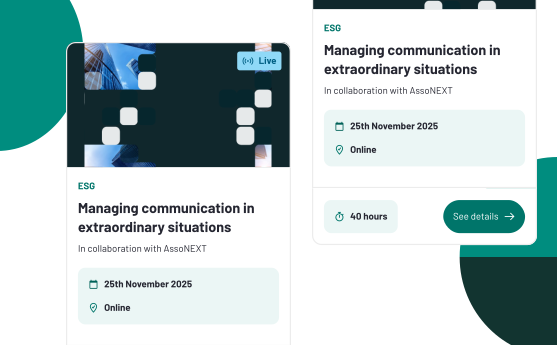
Search, select and purchase your courses in just a few clicks.Activate your code
Receive your activation code after purchase and redeem it at any time.Start your course
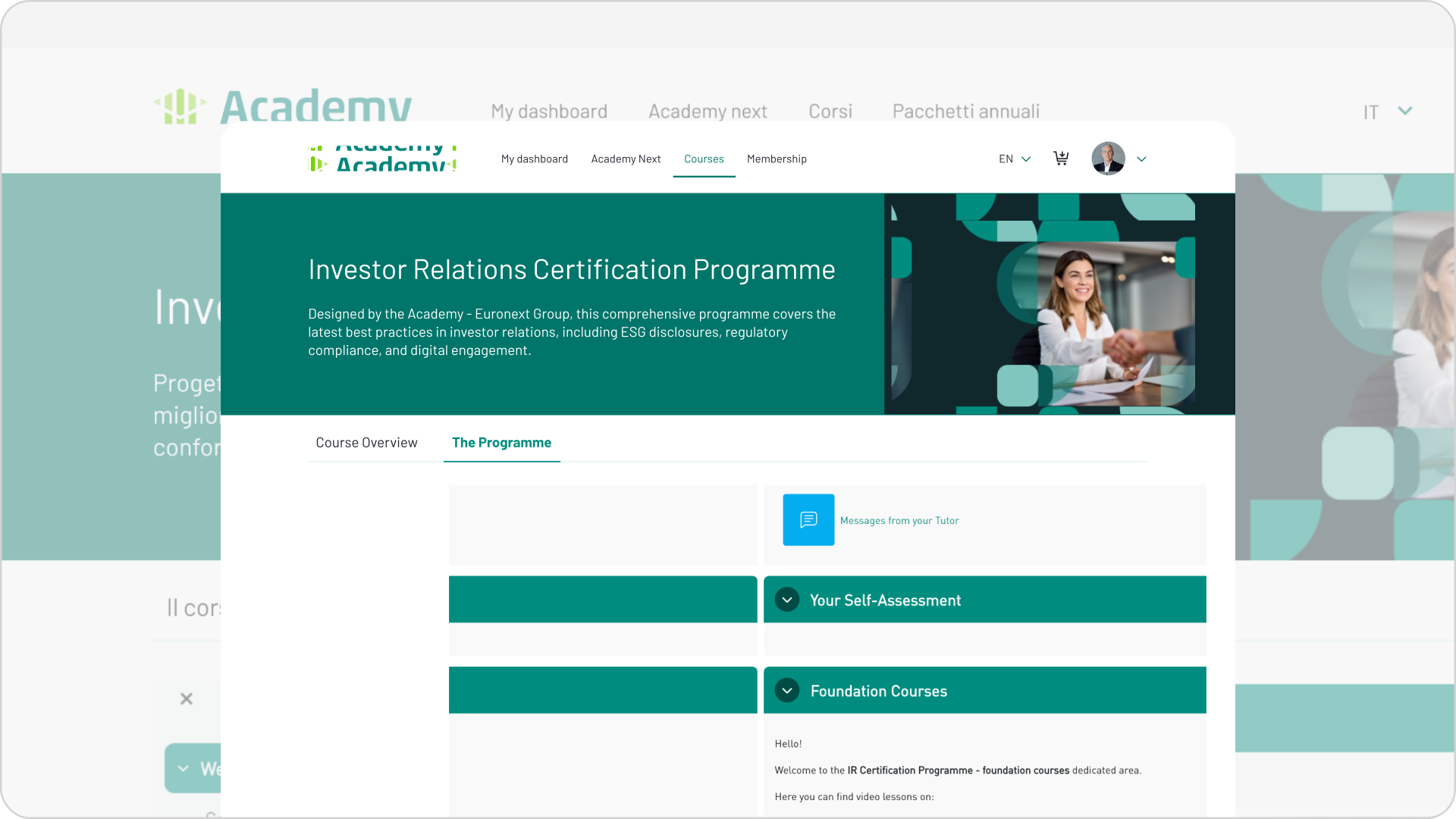
After activating your code, access your dashboard to begin your course.1. Explore and buy
Build your learning journey
- Choose from all available courses and certifications.
- Search by topic or type.
- Purchase for yourself or others anytime.
Annual Subscription Packages
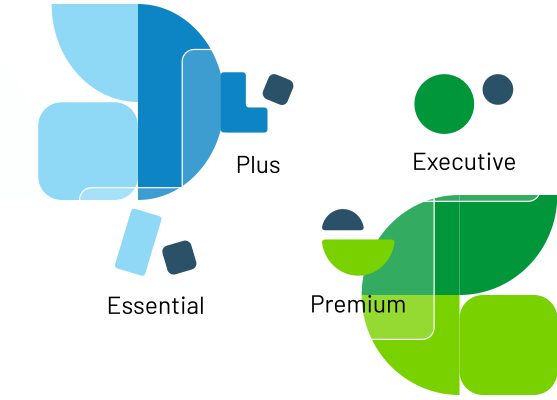
- The Subscription Package is a prepaid credit option that offers greater value than its purchase price.
- Valid for 12 months, it gives you flexible access to the full Academy course catalogue.
- Choose from different credit levels, with higher amounts providing grater overall value.
- Your available credit is automatically applied at checkout when enrolling in courses.
- The package can be purchased for yourself or on behalf of others at any time.
How to use your purchase code
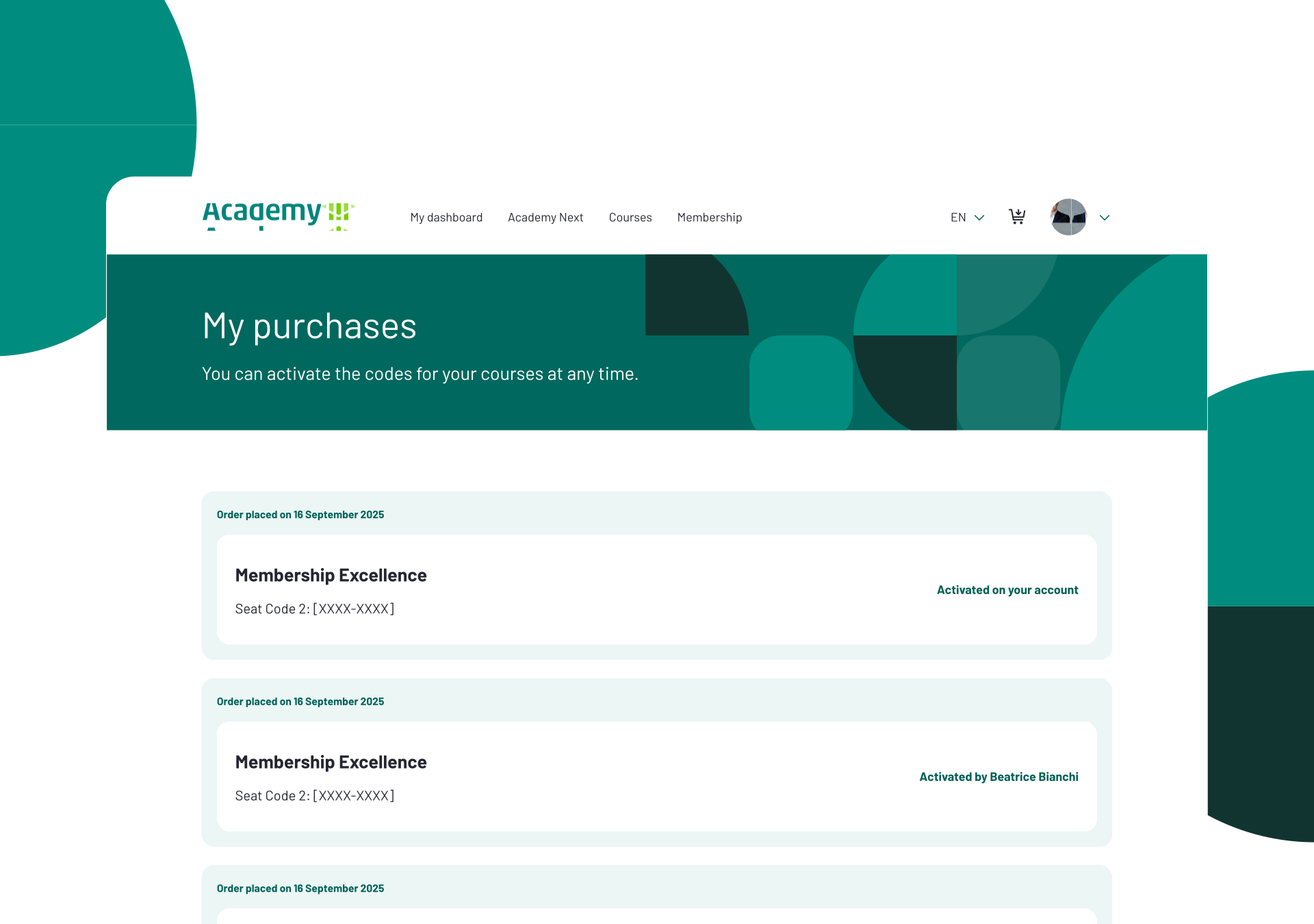
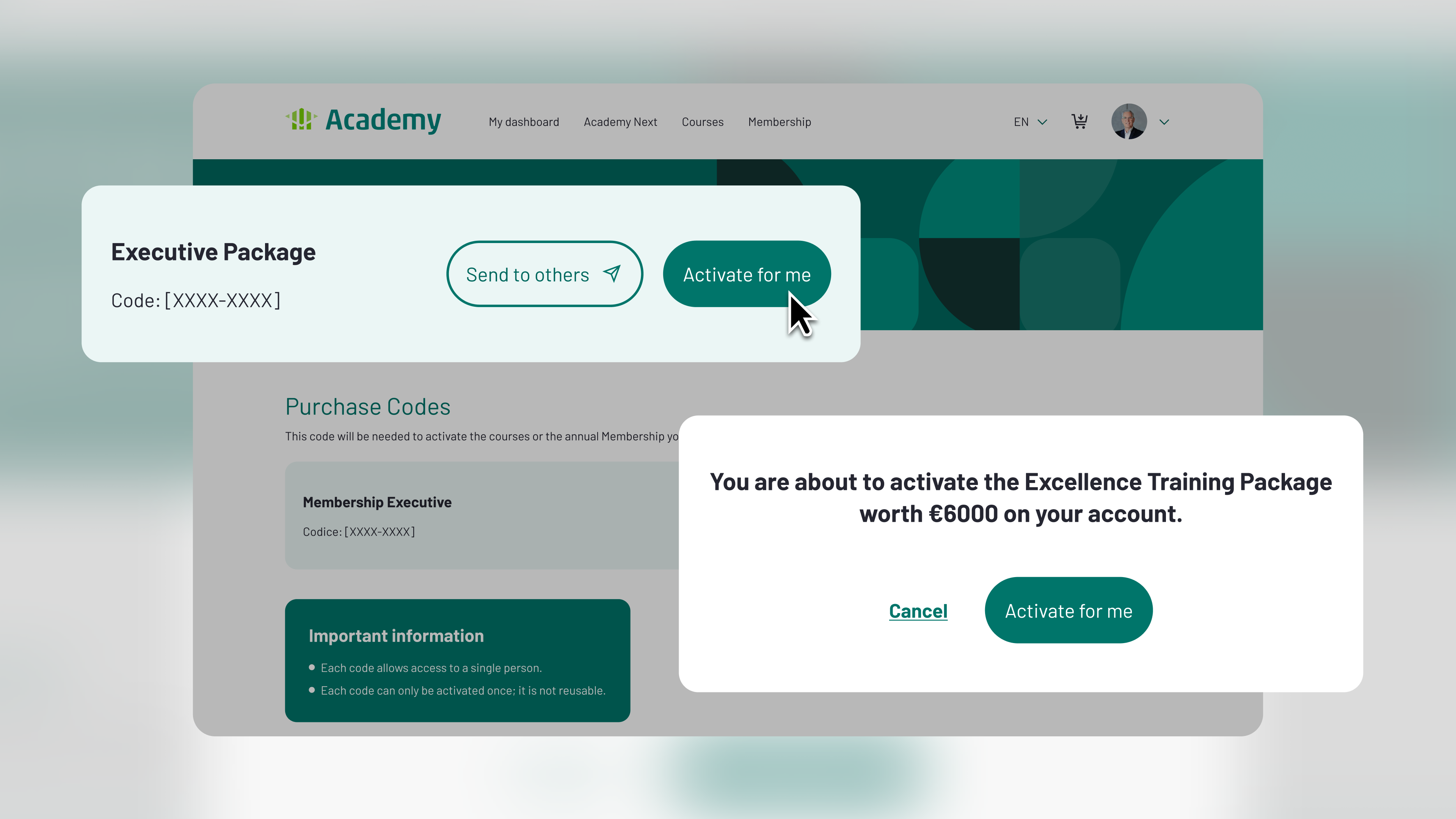
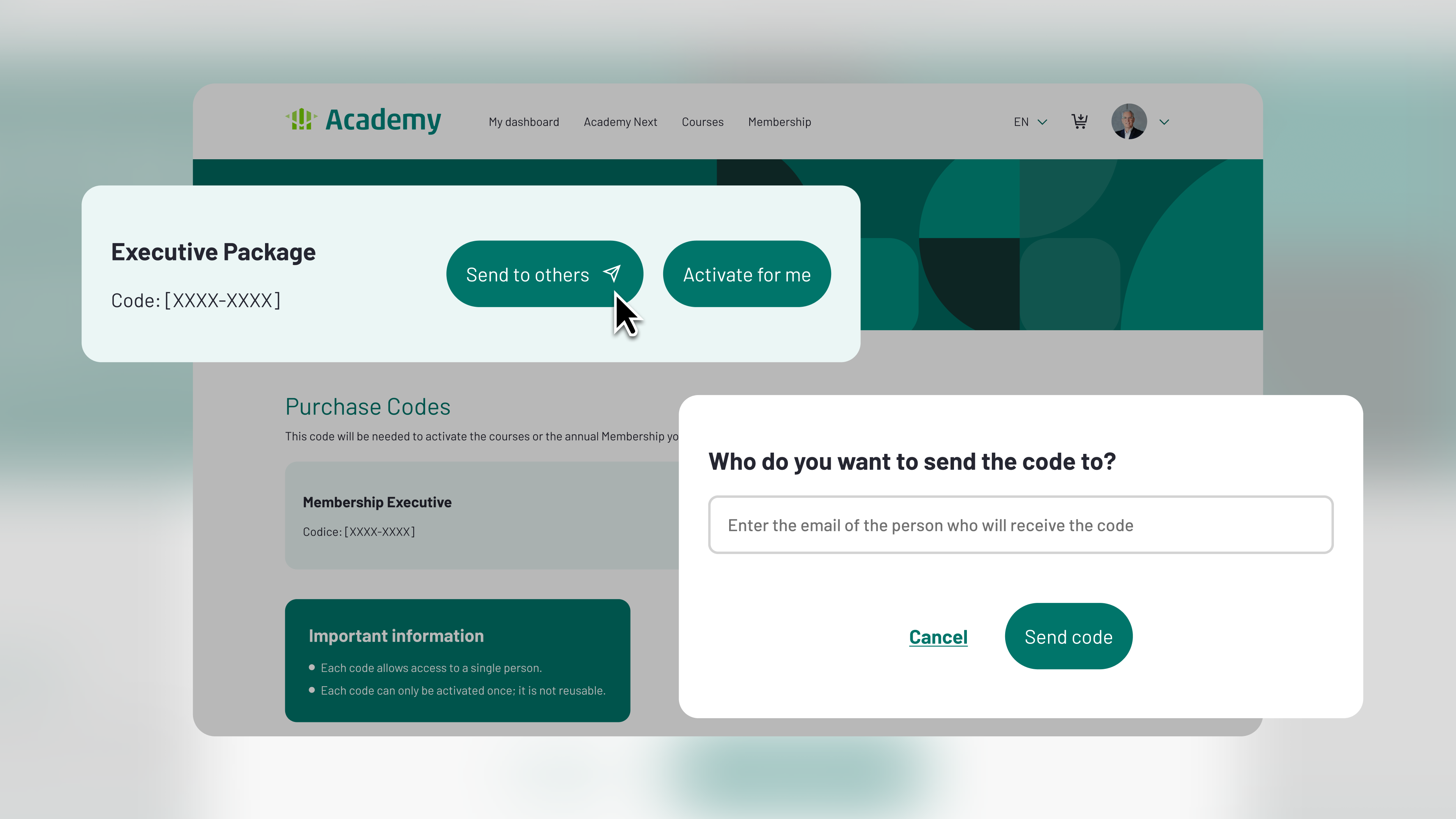
Immediately after purchase, you will receive a code to activate the courses or packages you have bought.
You can activate the code for yourself or send it to someone else.

Each code provides access to a single user.

Each code may be activated a single time and is not reusable.

2.Activate your code
To activate your code, please follow the steps below:
Register or log in to the Academy
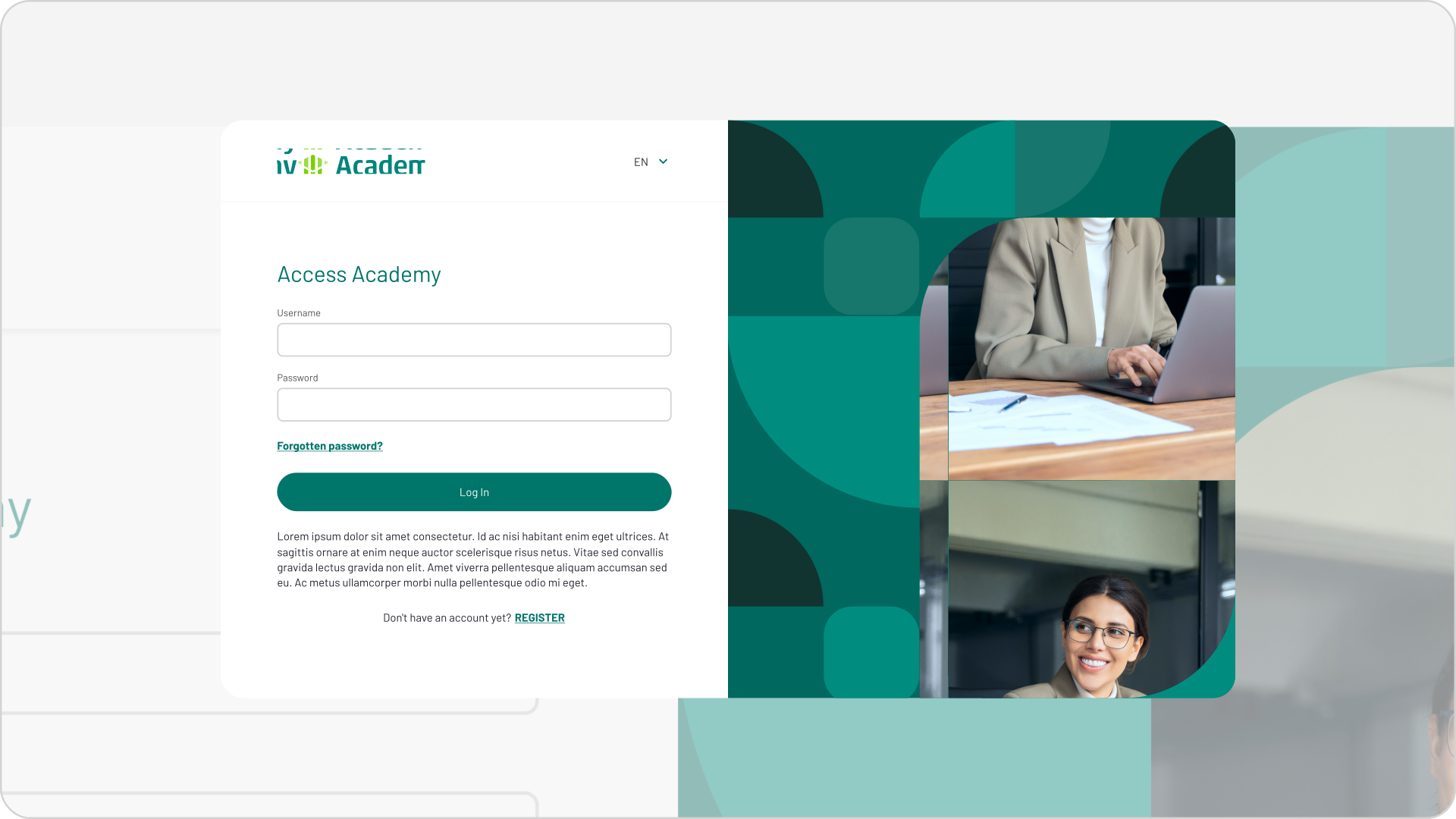
To access the courses, you must be registered with the Academy. If you already have an account, please log in using your credentials.
Go to My Dashboard
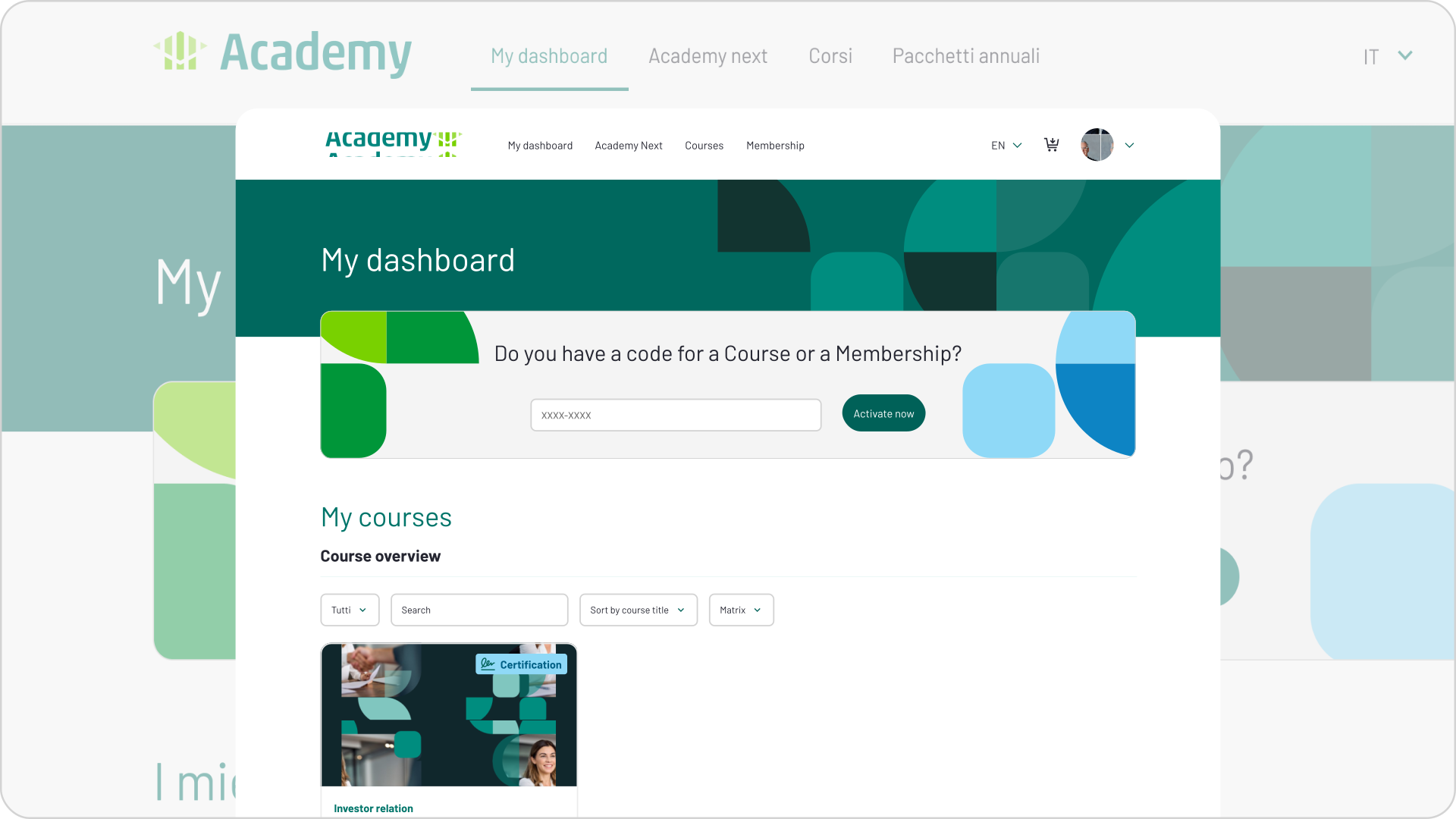
In the Dashboard, you will find an overview of your courses and the activation status of your codes.
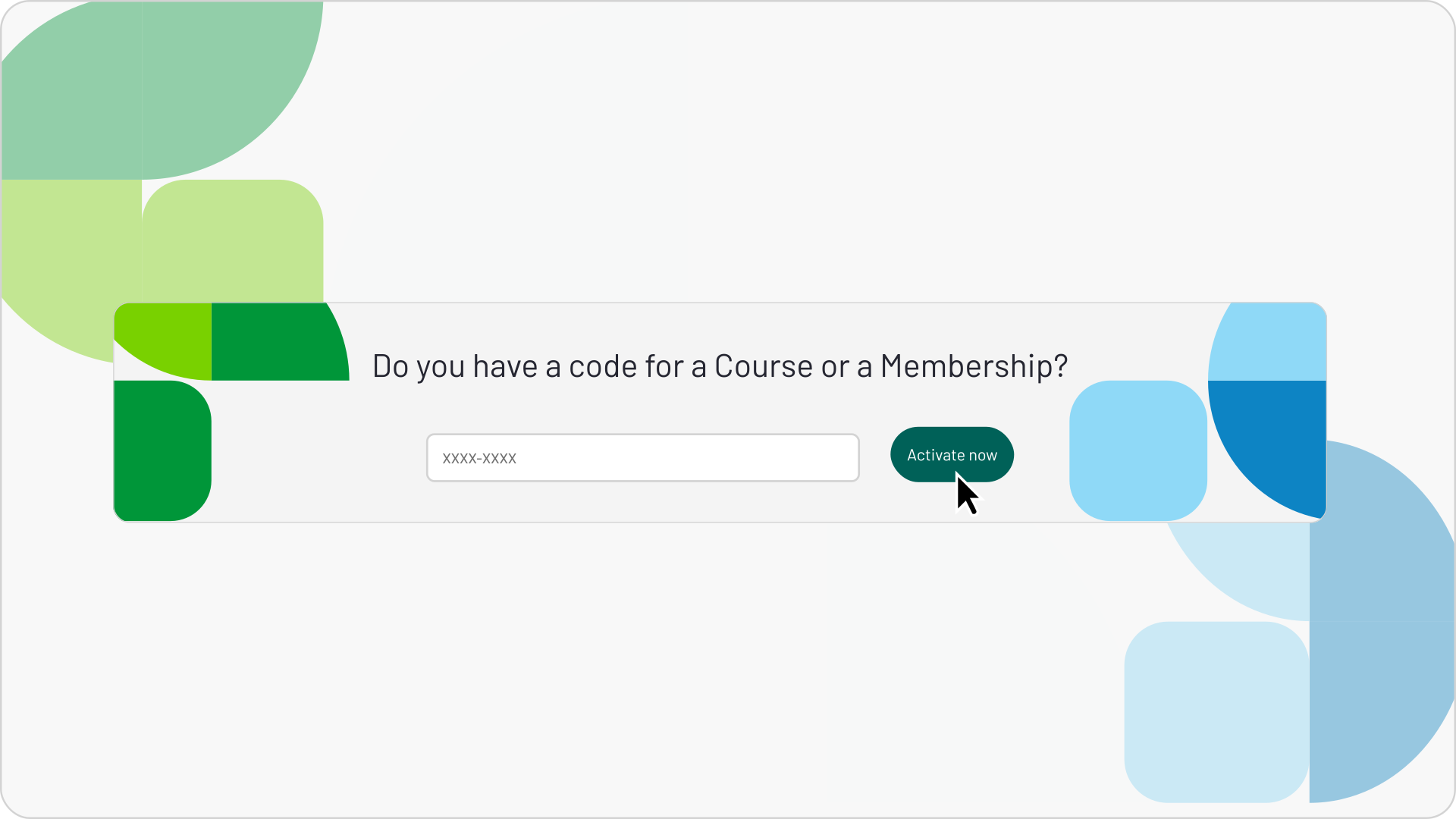
Enter the purchase code
After pasting or entering the code, click the "Activate now" button.
2.Activate your code
To activate your code, please follow the steps below:
Register or log in to the Academy
To access the courses, you must be registered with the Academy. If you already have an account, please log in using your credentials.
Go to My Dashboard
In the Dashboard, you will find an overview of your courses and the activation status of your codes.
Enter the purchase code
After pasting or entering the code, click the "Activate now" button.
3.Start your course